Write SEO Articles with Cursor: Composer, Project Rules, and the seo-content Skill
Human-Edited & Verified • Deterministic AI-assisted research. Editorial standards.
 AI Edited
Last updated: 3 September 2026
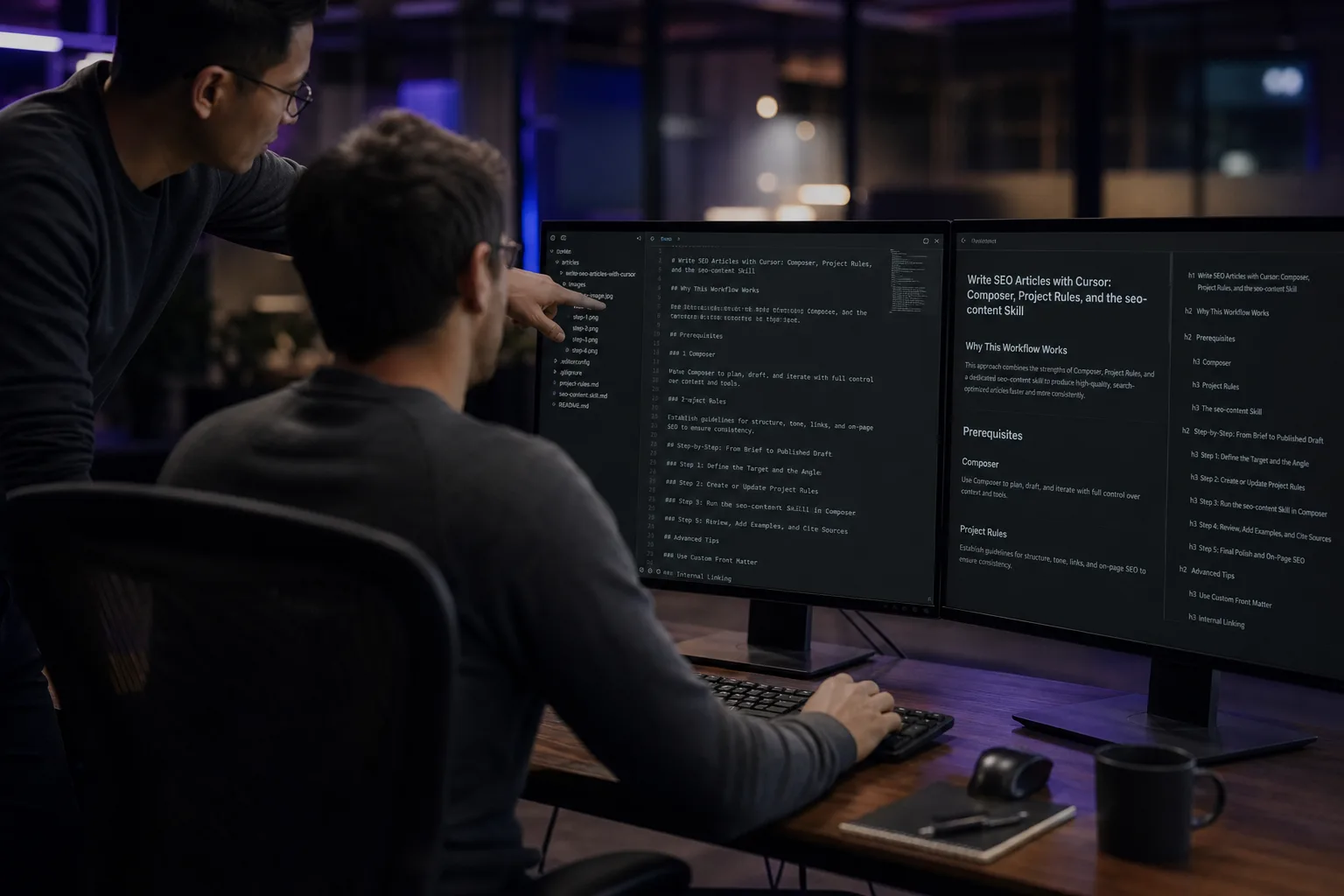
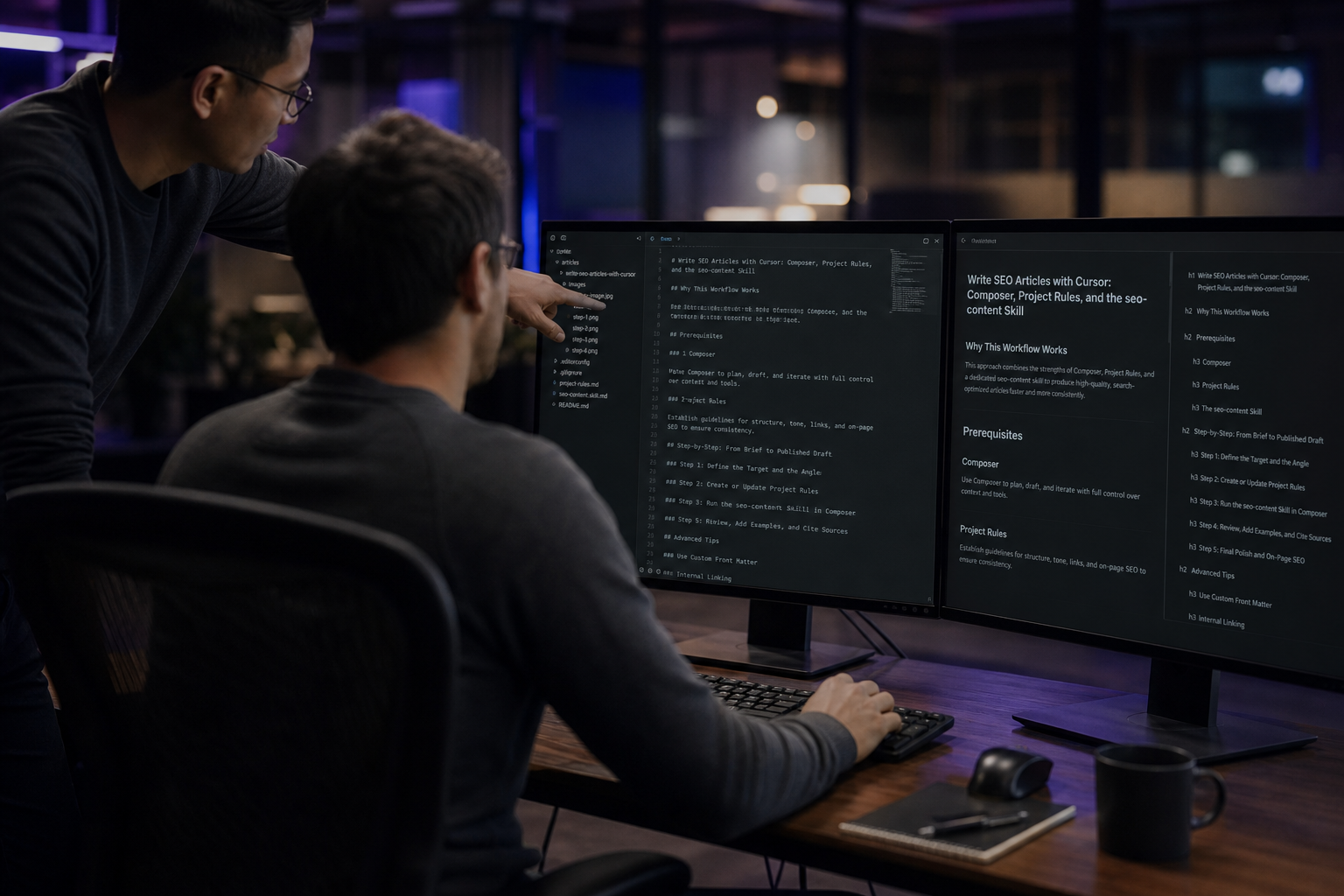
Write SEO articles with Cursor by pinning an inspectable seo-content skill, a project rule, and an HTML-first file the crawler can GET without waiting for Agent chat.
TLDR
- First-party GSC (3 Aug–31 Aug 2026) on this URL: 2 clicks, 15 impressions, blended position ~33. The page was still a PARTIAL agent×skill template in that window.
- Google rewards people-first pages, not mass AI filler (helpful content).
- Cursor project rules live in
.cursor/rulesas.mdcfiles. Root.cursorrulesis legacy. - MCP pulls live tools. It does not replace sourced claims.
- Run
npx @seoskillsai/cli add seo-content --agent cursor.
Contents
- Install the seo-content skill in Cursor
- Pin project rules so Agent writes files, not chat
- Use MCP for live data, not invented SERP facts
- Publish HTML the crawler can read without Agent
- FAQ
- Related reading
- Sources
Install the seo-content skill in Cursor
The one-command install drops the skill into the agent the CLI knows as cursor. That is the Cursor recipe. The agent-agnostic SOP still lives on the content pillar.
npx @seoskillsai/cli add seo-content --agent cursor
npx @seoskillsai/cli run seo-content --agent cursor --target "https://example.com"
- Open the site repo in Cursor (the folder that actually deploys HTML).
- Run the
addcommand above soskills/seo-content/SKILL.mdis on disk. - Attach the skill in Agent (
@seo-contentor the CLI-generated rule) before you ask for a draft. - Point Agent at a real path (
src/data/markdown/...orsrc/pages/...), not “paste a blog into chat.”
Cursor’s own catalog for this site is the Cursor hub. Sibling agents (Cline, Claude, ChatGPT) have their own /{agent}/seo-content twins. Do not retitle this URL to steal those queries.
Pin project rules so Agent writes files, not chat
 AI Edited
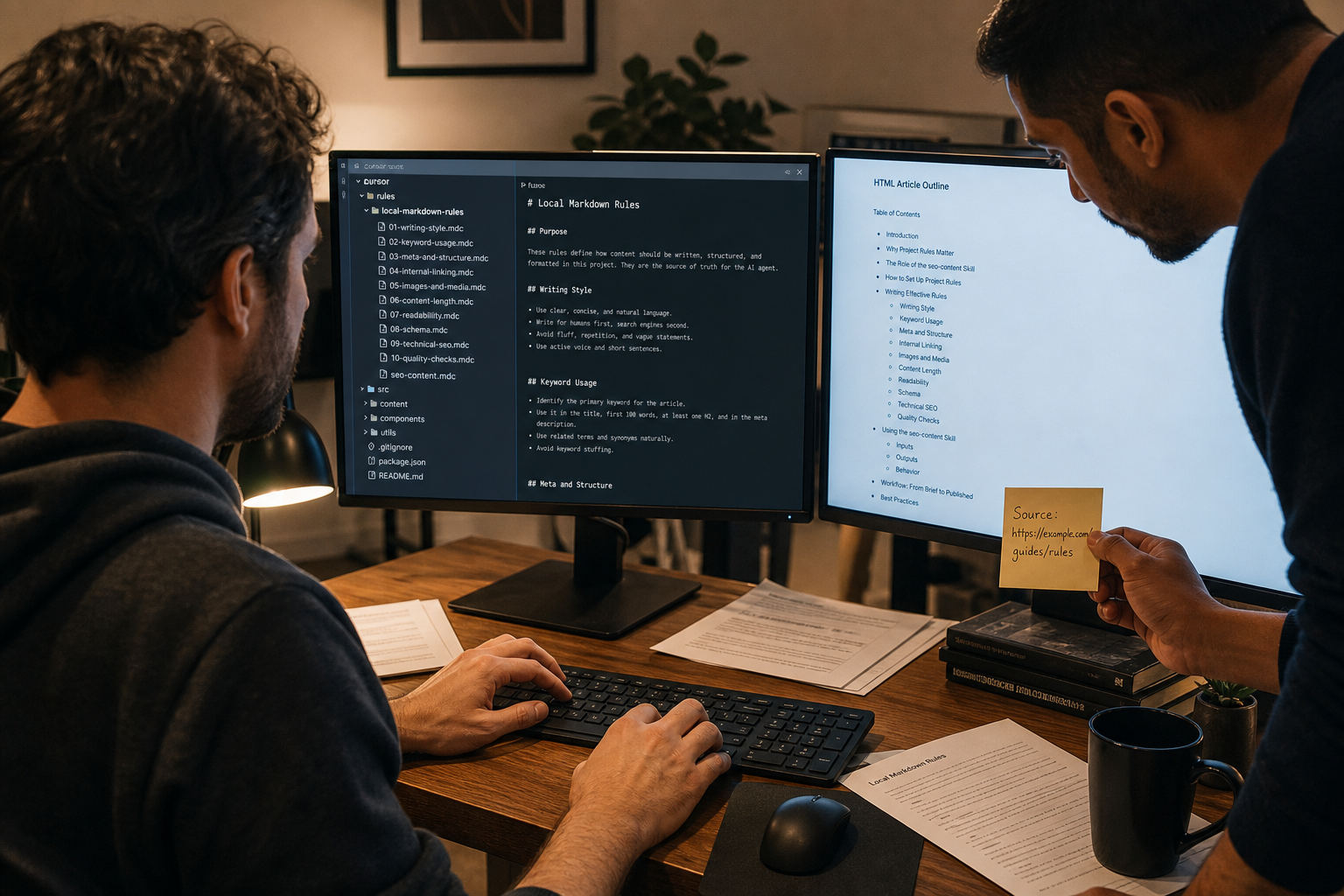
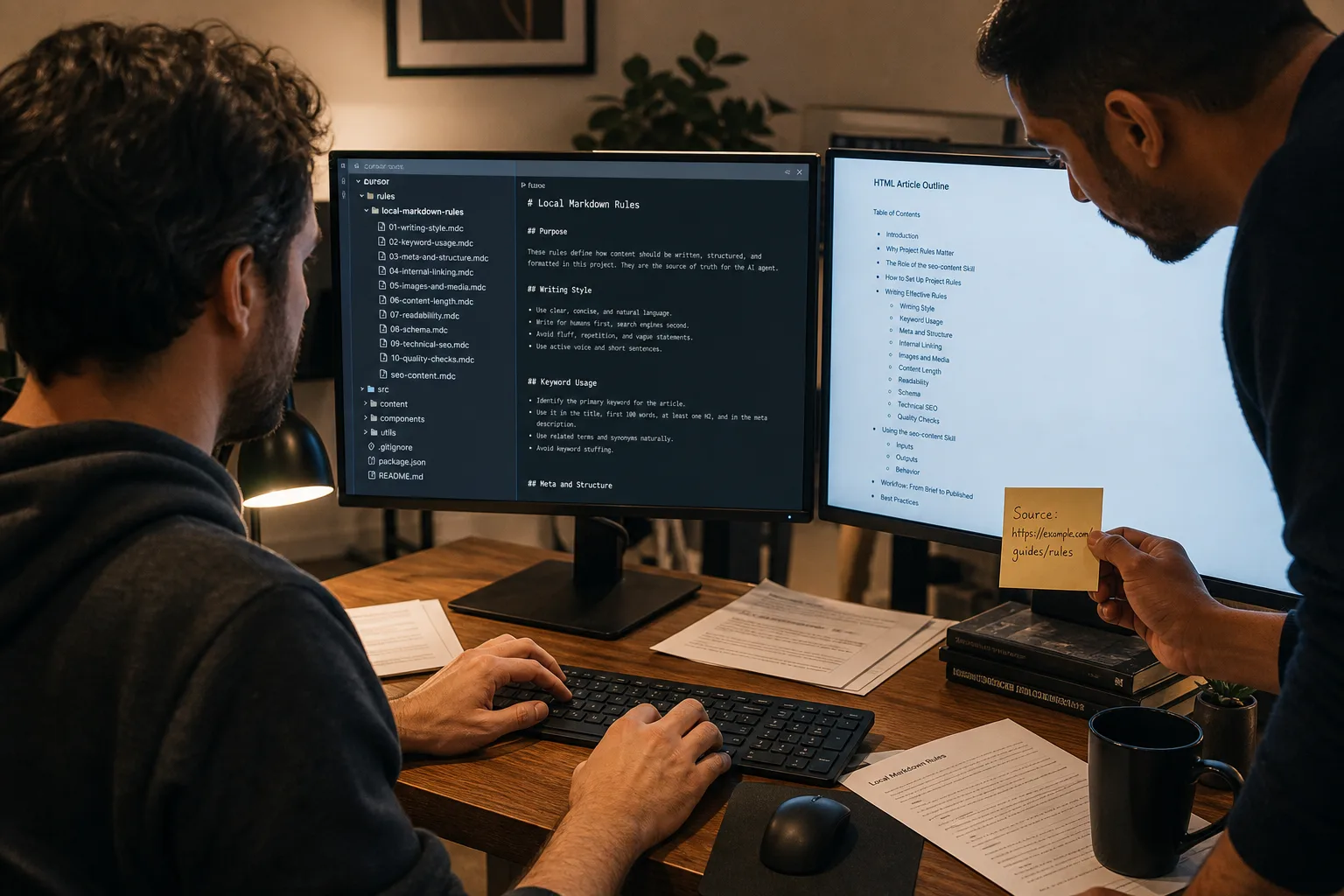
Cursor documents four rule types. For ranking copy, use a project rule with globs on your content files, or an AGENTS.md in the repo root. Official docs: Cursor Rules.
A useful .mdc is short:
- Draft into the locked URL’s file. Never invent a nicer slug.
- Primary phrase only in title, H1, first sentence, meta, featured alt.
- Every statistic needs a fetched URL. Refuse “studies show.”
- First-response HTML must contain the H1 and body. No canvas-only headlines.
The content skill pillar is the agent-agnostic E-E-A-T / algorithmic-authorship SOP. This page is how Composer applies that SOP inside Cursor.
| Surface | What crawlers see | When to use it |
|---|---|---|
| Agent chat only | Nothing at the URL | Scratch notes, never the ranking page |
| Markdown/HTML in the repo (SSG) | Full headings and links on GET | Default for this site |
| MCP tool output | Only if you write it into a file | Live GSC/SERP numbers, then paste with a source URL |
Use MCP for live data, not invented SERP facts
Cursor connects Agent to servers through mcp.json (project .cursor/mcp.json or user ~/.cursor/mcp.json). Docs: MCP integrations.
Use MCP when you need live Search Console rows, a crawl, or a SERP API. Do not use an MCP scrape as a substitute for original reporting. Google’s people-first questions still apply: unique analysis, no preferred word count, no date-bump without a real change.
The directory of JSON-RPC adapters on this site is the MCP extensions hub. Pair a DataForSEO or Firecrawl server with the skill; keep secrets in env, not in the article.
Using AI doesn't give content any special gains. It's just content.
Google Search Central, February 2023
If the model cannot fetch a URL, it cannot cite a tweet, a study, or a “benchmark.” Leave a TODO. That is the same gate as Google’s AI-content FAQ: automation is fine when the page is helpful; it is spam when the point is ranking manipulation.
Publish HTML the crawler can read without Agent
Composer is not the index. Ship SSG or static HTML so Googlebot, Bingbot, and SeznamBot receive the H1 and body on the first response. This site’s editorial/benchmarks surface is the technical guides hub. Agent recipes like this URL sit next to those guides, not inside a JS-only feed.
Checklist before npm run build:
- Unique title, meta description, canonical, and contiguous H1 in the initial HTML.
- Internal links are real
<a href>paths (/cursor,/skills/seo-content). - Images: WebP ≥1200px wide for the featured slot; visible AI badge + raw file.
- House Byline under the H1; policy link to
/skills/seo-factuality.
A “best Cursor SEO copywriting prompt” is a saved rule plus a locked file path—not a one-shot chat that never reaches dist/.
FAQ
How do I draft ranking copy inside Cursor?
Install seo-content for the cursor agent, attach a project rule, and tell Agent the file path. Review the diff. Build HTML. Do not publish from the chat pane.
Do I need MCP to draft SEO copy?
No. MCP is for live tools (GSC, crawl, SERP APIs). Rules plus the skill are enough for structure. Add MCP when a number must come from an API, not from memory.
Cursor vs ChatGPT for this workflow?
Cursor Agent edits the repo. ChatGPT Actions live in a different runtime. Use /chatgpt/seo-content for that twin. This URL stays the Cursor recipe.
Where is the agent-agnostic content skill?
/skills/seo-content. Cline’s entity-grounded twin is /cline/seo-content.
Will a crawler see a Composer-only draft?
Only after you write it to a public HTML URL. Chat history is not a document the index can GET.
Related reading
Sources
Cursor IDE Configuration Blueprint (.cursorrules)
Paste this configuration block directly into your .cursorrules:
{
  "skills": {
    "seo-content": {
      "antiFillerGuard": true,
      "minInformationGain": 0.85,
      "targetHeadingTree": "strict"
    }
  }
}What the Cursor .cursorrules Semantic AI Copywriting & Entity Grounding Analyzes
Automated diagnostic data points evaluated during every execution run.
| Diagnostic Category | Specific Data Points Checked | Algorithmic Impact |
|---|---|---|
| Information Gain Score | Original statistics, proprietary code examples, unique teardowns | Exempts content from Google unhelpful content suppression |
| Entity Salience & Triples | Subject-Predicate-Object grammars in first 100 words | Triggers instant AI Overview snippet extraction |
How to Execute Semantic AI Copywriting & Entity Grounding in Cursor IDE
Imperative configuration instructions with ready-to-run commands.
Step 1: Extract SERP Triples
Scrape top 10 search results to find unaddressed competitor gaps.
seoskillsai content research "claude seo mcp"Step 2: Generate High-Salience Content
Author full semantic articles adhering to strict heading hierarchies.
seoskillsai content generate --template skill-articleDeploy This Skill on Other AI Coding Agents
Symmetric Twin Topics: Identical SEO capability configured for other agentic runtimes.