Technical & Crawl 12s
Technical & On-Page AI SEO Audit (DeepSeek Reasoner)
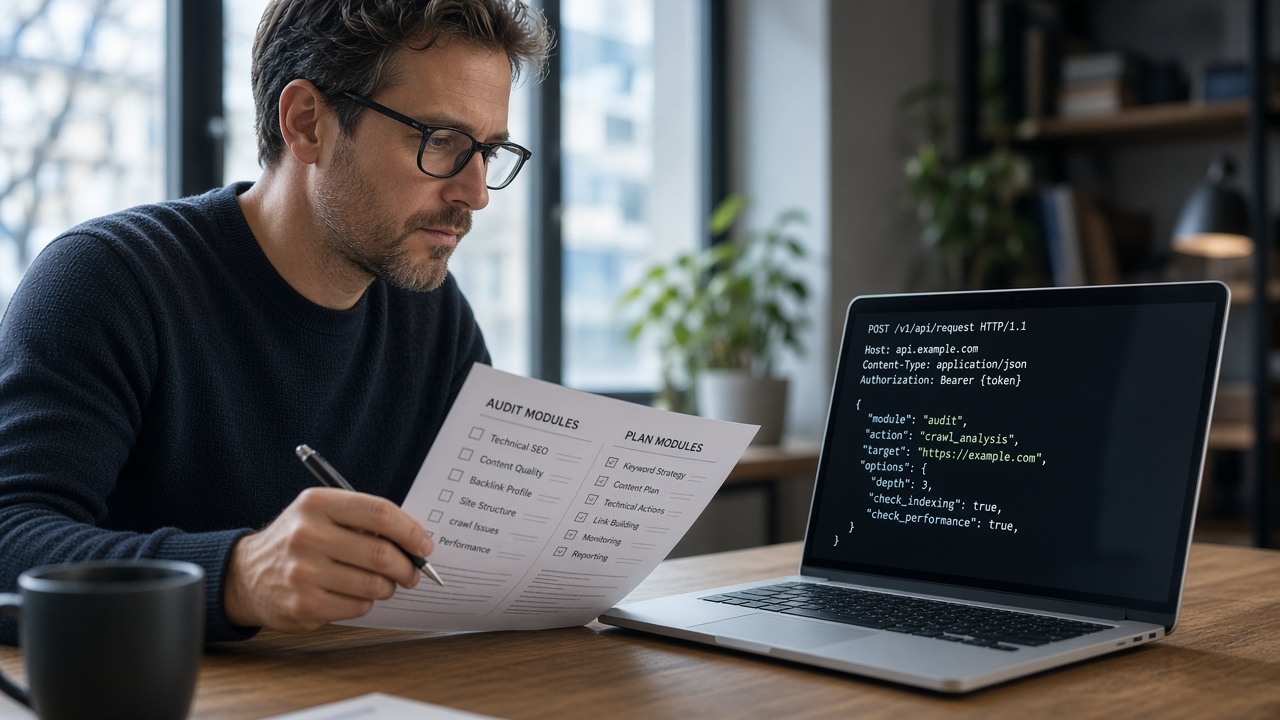
Autonomous site crawl inspecting status codes, canonicals, DOM hierarchy, schema syntax, and semantic entity density in under 30 seconds.
Human-Edited & Verified • Deterministic AI-assisted research. Editorial standards.
 AI Edited
Last updated: 27 September 2026
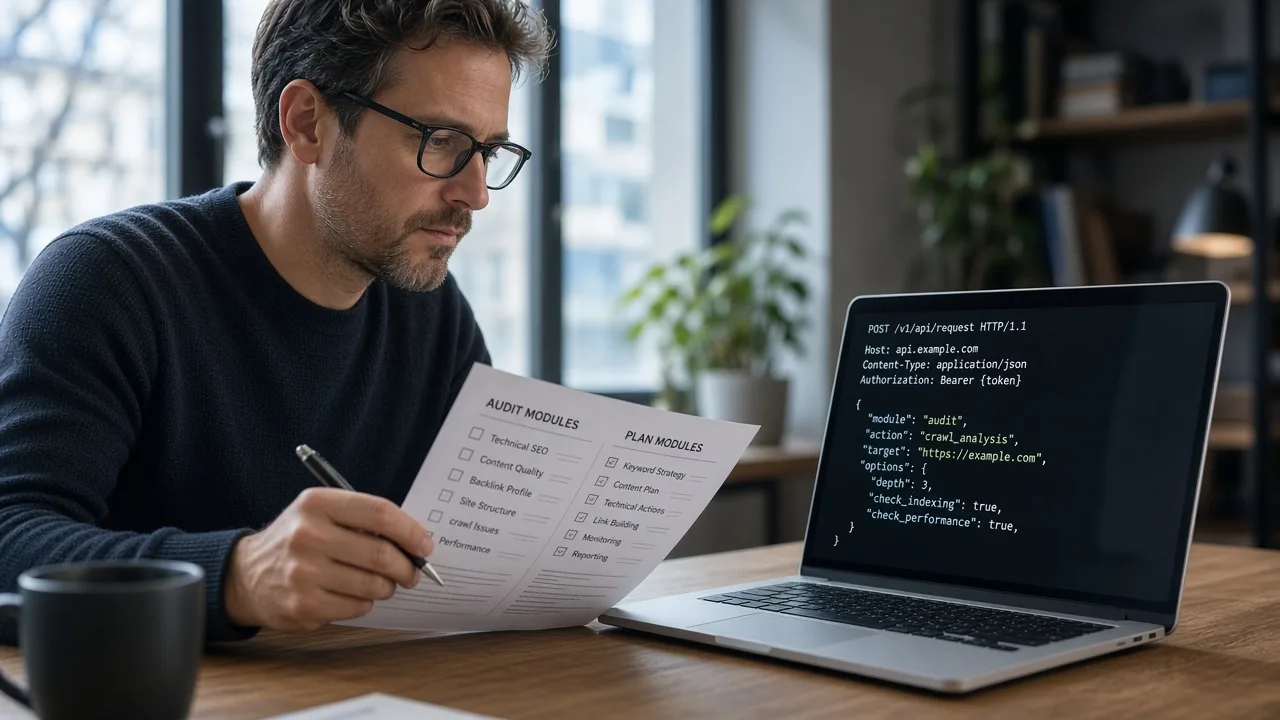
DeepSeek SEO tools are the seoskillsai skill pack called through the DeepSeek API, which speaks the OpenAI chat-completions format at https://api.deepseek.com.
https://api.deepseek.com. The Anthropic-compatible base URL is https://api.deepseek.com/anthropic (first API call).deepseek-flash and deepseek-v4-pro. Thinking is a request field, not a separate ranking product./deepseek/seo-audit stay install pages./deepseek had 40 impressions and 2 clicks at blended position ~50. Visible queries such as deepseek seo were still around position 75.The skills directory is the full product list. This page is the DeepSeek slice: audits, plans, schema, content, and GEO jobs that the CLI runs against a URL you already host.
DeepSeek’s own docs describe an API and agent integrations. They do not describe a Google ranking score. Use the model to draft files. Publish the HTML.
From the current quickstart (DeepSeek API):
| Setting | Value |
|---|---|
| OpenAI base URL | https://api.deepseek.com |
| Models named on that page | deepseek-flash, deepseek-v4-pro |
| Thinking | "thinking": {"type": "enabled"} plus reasoning_effort |
Keep the API key in an environment variable. Do not paste it into a prompt file in the repo.
npx @seoskillsai/cli run deepseek-audit
That command is the site CLI entry for this runtime. It writes deepseek_seo_prompt.md for the jobs listed below. Setup essays live under guides.
 AI Edited
| Job | Recipe URL |
|---|---|
| Technical audit | /deepseek/seo-audit |
| Topical plan | /deepseek/seo-plan |
| Schema | /deepseek/seo-schema |
| Content | /deepseek/seo-content |
| GEO | /deepseek/seo-geo |
Those rows are templates until each one is authored. Do not copy this H1 onto them. The autonomous SEO skill is the dispatcher when you need more than one module.
Search Console also showed deepseek rules and how to get recommended by deepseek on this URL, both near position 70. Those are not a second article here. Recommendation in an AI answer is not a Search Console metric.
People-first pages still have to be unique (helpful content). Point the model at your inventory. Do not ask it to invent citations.
The seoskillsai modules that run through the DeepSeek API: audit, plan, schema, content, and GEO. The hub URL stays /deepseek.
The quickstart names deepseek-flash and deepseek-v4-pro. Use those strings. Do not invent a model id that the current docs do not list.
No. The API returns text. Google fetches HTML. Keep product and guide pages crawlable.
On /deepseek/{skill}, for example the audit recipe. This page is the catalog.
No. Search Console measures Google Search. The 2 clicks on this URL are Google clicks, not a citation count.
Pre-configured agentic skills optimized for DeepSeek Reasoner.
Autonomous site crawl inspecting status codes, canonicals, DOM hierarchy, schema syntax, and semantic entity density in under 30 seconds.
Generates 10-phase semantic topical authority roadmaps, crawl budget sequencing, and entity cluster matrices.
Generates and validates interconnected JSON-LD schema graphs (WebSite, TechArticle, SoftwareSourceCode, FAQPage, BreadcrumbList).
Authors high-converting, metric-backed developer content free of AI filler words, optimized for Information Gain and SERP triples.
Clusters 10,000+ raw keywords into non-cannibalizing topical silos using mathematical SERP URL overlap algorithms.
Optimizes content structure and citation density for LLM search engines (Perplexity, ChatGPT Search, Gemini, Claude).
Generates standard-compliant llms.txt and llms-full.txt files to provide AI crawlers with structured context.
Monitors brand mentions, domain citations, and reference links across Google AI Overviews and Perplexity.
Audits TTFB, CLS, LCP, INP, font preloading, and Astro Server Island configurations for 100/100 Lighthouse scores.
Enforces algorithmic source verification, Wikipedia Wikidata entity grounding, and anti-hallucination verification checks.
Optimizes content embeddings, chunking strategies, and vector distance for LLM retrieval and semantic search engines.
Step-by-step installation instructions for DeepSeek R1 / V3 API.
Install the official SEO Skills AI CLI to manage agent configurations.
npm install -g @seoskillsai/cliRegister the MCP server or skill rules into your environment:
seoskillsai add deepseek --config deepseek_seo_prompt.mdPrompt DeepSeek Reasoner in natural language to analyze your website:
/seo:audit https://yourdomain.com --depth fullSwitch to other execution platforms with zero learning curve.
Make SEO Skills AI a Preferred Source
Keep SEO skill docs highlighted in Google Search and AI Overviews.