DeepSeek Harness SEO Skills: Load SKILL.md from a Scanned Root
Human-Edited & Verified • Deterministic AI-assisted research. Editorial standards.
 AI Edited

Last updated: 13 October 2026
TLDR
- Put
SKILL.mdone directory under.dsh/skillsor.agents/skills. A plugin install does not register that file. - Rank 100 (
project-dsh) beats rank 200 (project-agents) inside one layer. The nearest.gitancestor is the project root. - The model catalog stores
nameanddescriptiononly. The default description cap is 500 characters. The body loads later throughskill({ name }). - API recipes on this site stay at
/deepseek. Harness is a separate local runtime.
DeepSeek harness SEO skills load when a kebab-case SKILL.md sits in a folder the harness already scans.
What a harness skill file is
A harness skill is an instruction file. The skills reference names the local provider and the model-facing skill tool. The registry key is ctx.skills.
The audit skill in this pack already sets name: seo-audit. That string is a kebab-case skill name. Its description begins "Parallel multi-agent full site audit." The catalog shows that sentence. It hides the procedure until the model calls the skill by that exact name.
Google still ranks the HTML you publish after the run (helpful content). A session transcript is not the landing page.
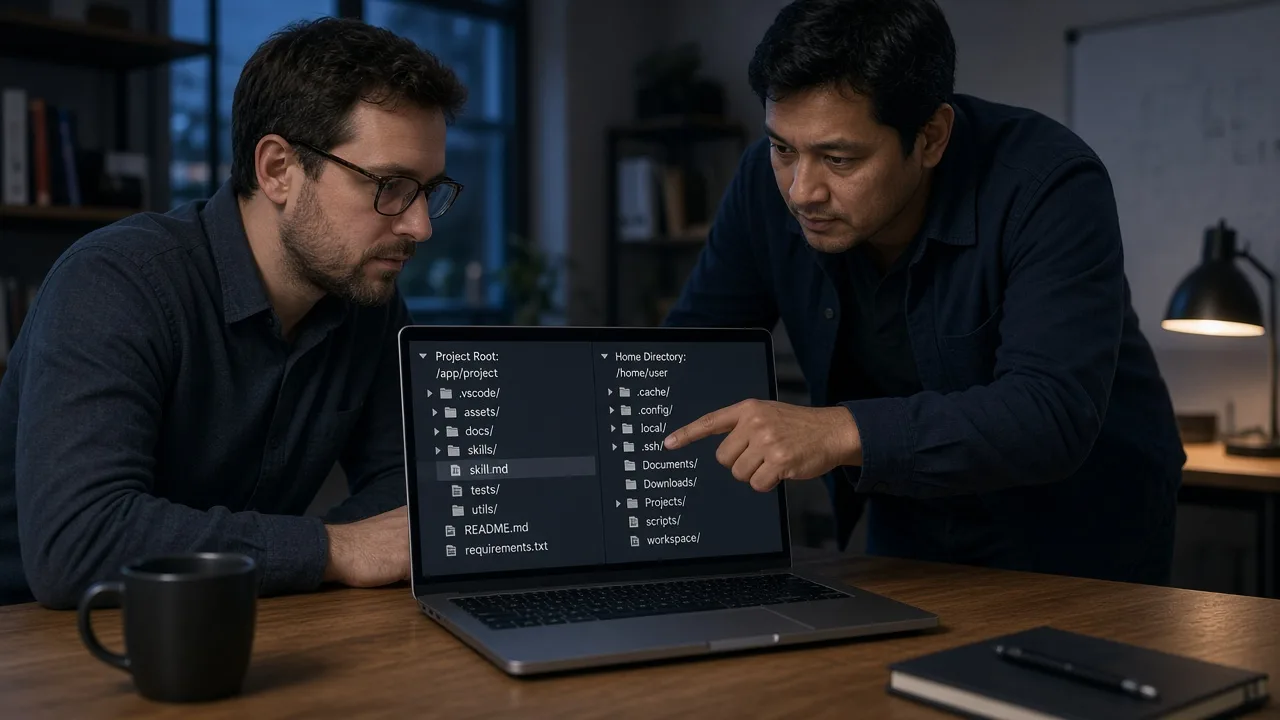
Where dsh reads skill folders
 AI Edited
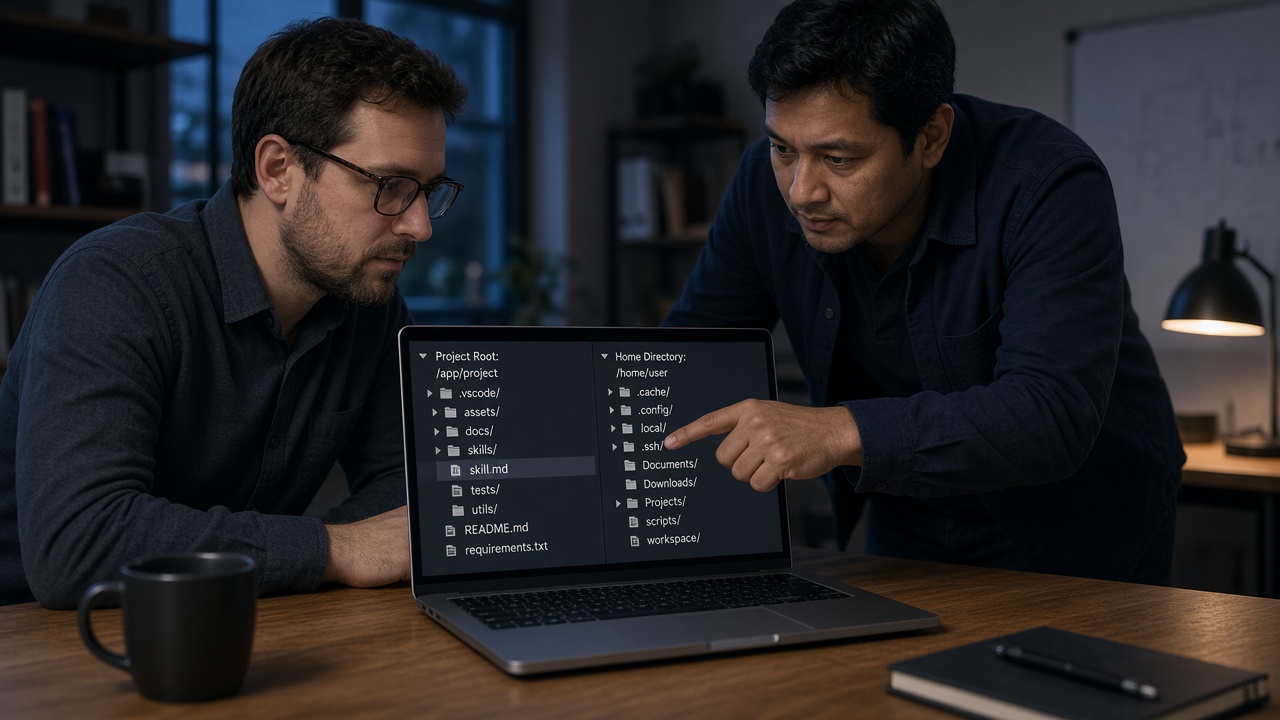
The skills reference scans six roots, lowest rank first:
| Rank | Source | Root |
|---|---|---|
| 100 | project-dsh | <project>/.dsh/skills |
| 200 | project-agents | <project>/.agents/skills |
| 300 | custom | customSkillDirs |
| 400 | user-dsh | ~/.dsh/skills or $DSH_HOME/skills |
| 500 | user-agents | ~/.agents/skills or $DSH_AGENTS_HOME/skills |
| 600 | bundled | bundledSkillDir, only when configured |
The nearest git root is the project root. With no .git directory, the current working directory is the root. Start the process inside a package of a monorepo and the scanned tree can be that package, not the checkout you edited.
Discovery is one level deep. <root>/seo-audit/SKILL.md matches. <root>/pack/seo-audit/SKILL.md does not. A flat <root>/seo-audit.md is the other accepted shape.
Inside one layer, the lower rank wins a duplicate name. A nearer scope wins before rank is applied. The Antigravity catalog keeps IDE skills in .agents/skills. Harness reads that path at rank 200, after .dsh/skills.
The reference watches direct add, remove, and entry edits. A changed catalog digest appends a replacement <available_skills> block. An incomplete snapshot keeps the last complete view. A body-only edit changes the next tool read without a new catalog message.
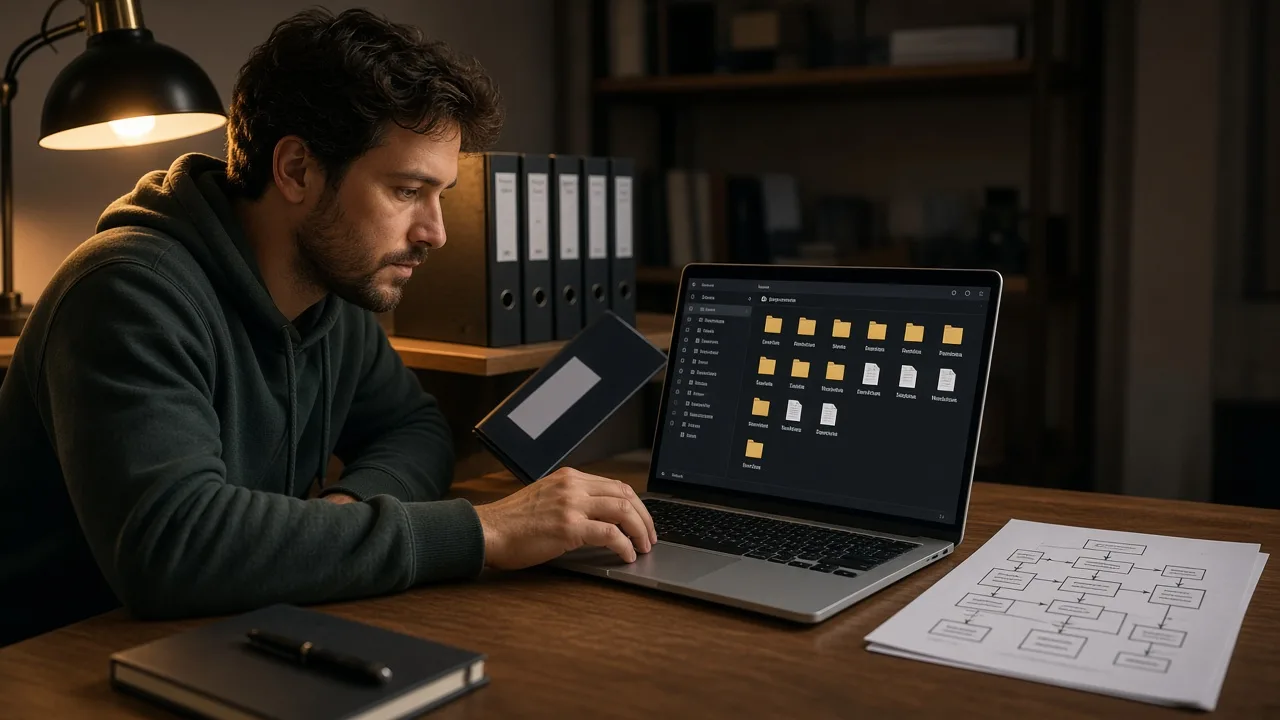
Copy seo-audit into the project root
 AI Edited

The schema skill uses the same file shape when JSON-LD steps should sit beside the audit.
- Install Node.js. The harness README says to run
npx @deepseek-ai/dsh web. The Web UI listens onhttp://127.0.0.1:3080for a local launch. The same README marks the project as developer preview and warns that compatibility-breaking changes will land. - Open a terminal in the repository you want audited. Run
git rev-parse --show-topleveland use that directory. - Create
.dsh/skills/seo-audit/. - Copy
SKILL.mdfrom this pack into that folder. Keepname: seo-audit. Keep the description at or under 500 characters.catalogDescriptionMaxLengthdefaults to 500 and rejects values under 3. - Launch the Web UI from that git root. Ask for a technical audit of a URL you control. The description is the router. The body loads when the name matches.
The npm page for @deepseek-ai/dsh showed version 0.2.0-rc.2 on 13 October 2026. dsh plugin --profile <name> manages profile plugins. It does not place a markdown skill in .dsh/skills.
Skills, plugins, and the API catalog
Three layers get mixed in listicles. Split them before you install anything.
| Layer | What it is | How it lands |
|---|---|---|
| Skill | SKILL.md instructions |
copy the folder |
| Plugin | Cordis code bundle | dsh plugin |
| API | OpenAI-compatible chat | https://api.deepseek.com |
The README calls the architecture "everything is a plugin" and still ships skill discovery as files on disk. The plugin command installs code. A skill file on disk teaches the procedure.
The API quickstart names models deepseek-flash and deepseek-v4-pro, and it points harness at a separate developer-preview guide. API recipes on this site stay on the DeepSeek API catalog. JSON-RPC adapters stay on the extensions hub. A server that returns SERP rows is not a skill file.
FAQ
Where do I put a skill file on disk?
The practical line is where do I put the skill file on disk: under .dsh/skills/<name>/ in the git root, or under ~/.dsh/skills/<name>/ for every project. .agents/skills is rank 200 in a project and rank 500 in the user home.
Does the plugin command install a markdown skill?
No. dsh plugin manages Cordis packages for a profile. Markdown skills are a copy into a scanned root.
Which model string belongs on the API catalog?
The API quickstart names deepseek-flash and deepseek-v4-pro. Harness model choice is a profile setting. This page does not replace the API hub.
What happens when two folders share one name?
The nearer scope wins. Inside one layer, the lower rank wins. A second seo-audit in ~/.dsh/skills loses to <project>/.dsh/skills/seo-audit.
Will a nested skill folder load?
No. Nested **/SKILL.md discovery is unsupported. Keep one directory between the skill root and SKILL.md.
Related reading
Ship the HTML the skill drafts
Publish the page. The harness can draft the file. Google fetches HTML. More guides like this appear when you search 'SEO Skills AI DeepSeek Harness' on Google.