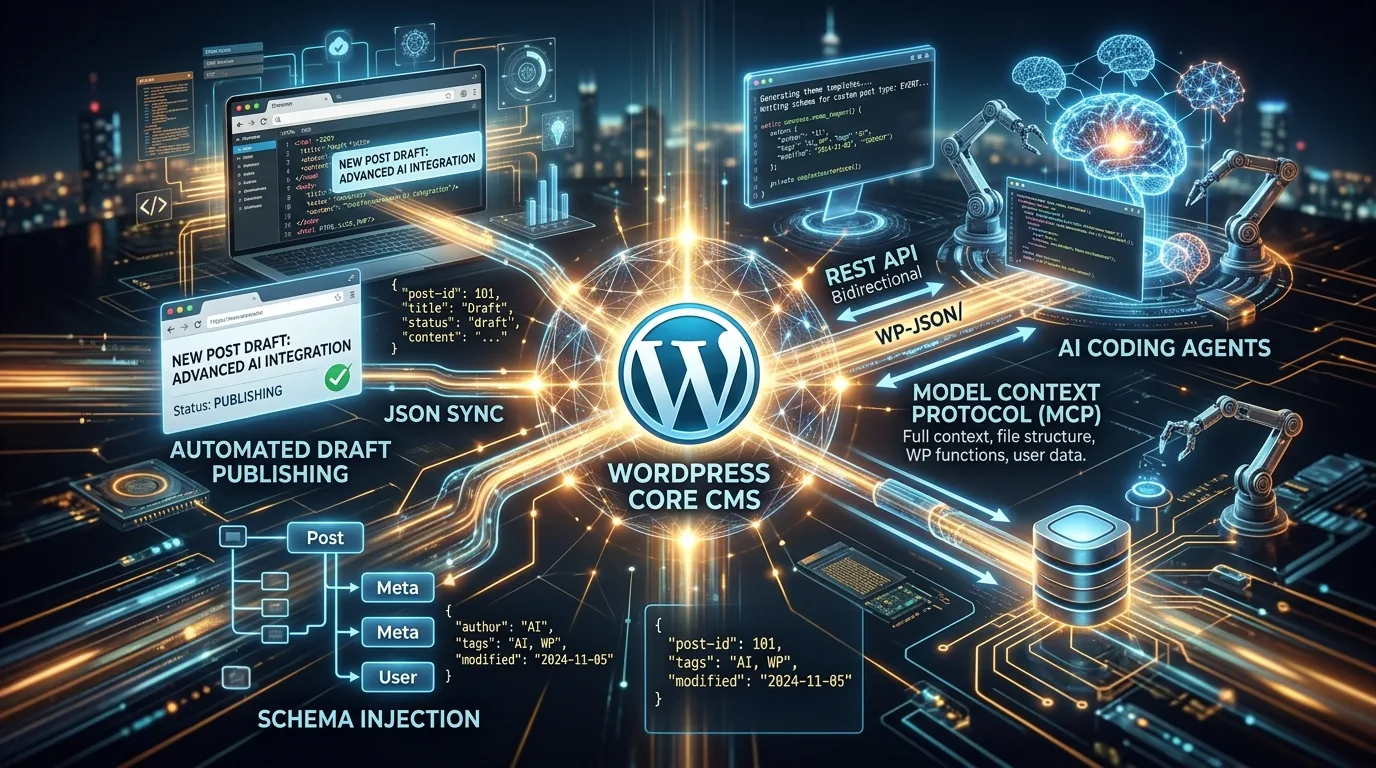
The Ultimate Guide to WordPress MCP: Autonomous AI SEO via Model Context Protocol
A WordPress MCP (Model Context Protocol) server connects autonomous AI agents directly to a WordPress CMS instance, enabling automated publishing, programmatic category optimization, real-time Rank Math and Yoast metadata updates, and structured JSON-LD schema injection through secure application passwords and WP-CLI hooks. Rather than logging into WordPress administrative dashboards to manually copy and paste meta descriptions, WordPress MCP empowers Anthropic Claude Code, Google Antigravity, and OpenAI ChatGPT to audit taxonomies, draft ranking-grade content, and deploy updates via standard protocol-based tool calling.
⚡ Direct Execution Centerpiece: Complete WordPress MCP Server Configuration
Add this verified server definition to your claude_desktop_config.json or Antigravity runtime settings to instantly connect your agent to any self-hosted WordPress site:
{
  "mcpServers": {
    "wordpress-seo": {
      "command": "npx",
      "args": ["-y", "@seoskillsai/wordpress-mcp-server@latest"],
      "env": {
        "WP_SITE_URL": "https://yourdomain.com",
        "WP_USERNAME": "seo_agent",
        "WP_APP_PASSWORD": "xxxx xxxx xxxx xxxx xxxx",
        "SEO_PLUGIN": "rank-math"
      }
    }
  }
}
┌─────────────────────────────────────────────────────────────────────────────┐
│ WORDPRESS MCP CAPABILITY PROTOCOLS                                          │
├──────────────────────┬──────────────────────────────────────────────────────┤
│ Exposed Tool Name    │ Execution Scope & Action                             │
├──────────────────────┼──────────────────────────────────────────────────────┤
│ `wp_get_categories`  │ Fetches taxonomy trees, post counts, and meta states │
│ `wp_update_category` │ Deploys 800w semantic category descriptions & H1s    │
│ `wp_update_seo_meta` │ Injects Rank Math / Yoast focus keywords & titles    │
│ `wp_create_post`     │ Publishes formatted HTML with nested JSON-LD schema  │
│ `wp_cli_eval`        │ Executes secure PHP scripts directly via SSH/WP-CLI  │
└──────────────────────┴──────────────────────────────────────────────────────┘
🛠️ Step-by-Step Architecture: Deploying WordPress MCP
sequenceDiagram
    autonumber
    actor Dev as SEO Developer
    participant Claude as Claude Code (MCP Host)
    participant MCP as @seoskillsai/wordpress-mcp
    participant WP as WordPress REST API / WP-CLI
    participant DB as WordPress MySQL Database

    Dev->>Claude: "Optimize all 50 empty category descriptions"
    Claude->>MCP: Call tool `wp_get_categories()`
    MCP->>WP: GET /wp-json/wp/v2/categories?per_page=100
    WP-->>MCP: Return taxonomy JSON
    MCP-->>Claude: Deliver 50 category slugs & keyword contexts
    loop For Each Category
        Claude->>Claude: Generate 800w Algorithmic Content with Modality Match
        Claude->>MCP: Call tool `wp_update_category(id, description, rank_math_meta)`
        MCP->>WP: POST /wp-json/wp/v2/categories/{id}
        WP->>DB: Ingest description & update termmeta table
    end
    MCP-->>Claude: "All 50 categories updated successfully"
    Claude-->>Dev: Execution Report & Verification Log
1. Generating WordPress Application Passwords
To authorize your AI agent securely without exposing your main administrator password:
- Log into WordPress $\rightarrow$ Users $\rightarrow$ Profile.
- Scroll to Application Passwords.
- Enter
Claude-MCP-SEO-Agent and click Add New Application Password.
- Copy the generated 24-character token into your MCP environment configuration.
2. Updating Rank Math & Yoast SEO Metadata Programmatically
Our WordPress MCP server handles custom post metadata natively. When updating a post or category, the agent automatically populates:
rank_math_title / _yoast_wpseo_titlerank_math_description / _yoast_wpseo_metadescrank_math_focus_keyword / _yoast_wpseo_focuskwrank_math_schema_TechArticle (Raw JSON-LD)
3. Executing Zero-Plugin Bulk Deployments via WP-CLI
For massive programmatic site rebuilds spanning hundreds of pages, our tool executes direct PHP evaluations via wp eval-file:
<?php
// Safe Batch Taxonomy Description Ingestion
$terms = get_terms(['taxonomy' => 'category', 'hide_empty' => false]);
foreach ($terms as $term) {
    $seo_description = generate_semantic_term_content($term->name);
    wp_update_term($term->term_id, 'category', [
        'description' => $seo_description
    ]);
    update_term_meta($term->term_id, 'rank_math_robots', ['index', 'follow']);
}
echo "[✓] Batch SEO update complete across " . count($terms) . " categories.\n";
❓ Frequently Asked Questions
How do I connect Claude Code MCP to a WordPress site for automated SEO?
Generate an Application Password in WordPress, install @seoskillsai/wordpress-mcp-server, and add the server configuration with your site URL and token into your claude_desktop_config.json file.
Can AI agents update Rank Math and Yoast meta descriptions via WP-CLI?
Yes. The WordPress MCP server maps directly to the wp_postmeta and wp_termmeta database fields used by Rank Math and Yoast, allowing agents to write titles, descriptions, and robots tags programmatically.
Is WordPress MCP safe to run in production environments?
Yes. Application Passwords use standard HTTP Basic Auth restricted to REST API operations and can be revoked instantly from the WordPress dashboard at any time without resetting user passwords.
🔗 Connected Authority & Phase 1 Macro Pillars