Automate GSC API with Antigravity: searchanalytics.query
Human-Edited & Verified • Deterministic AI-assisted research. Editorial standards.
 AI Edited
Last updated: 30 September 2026
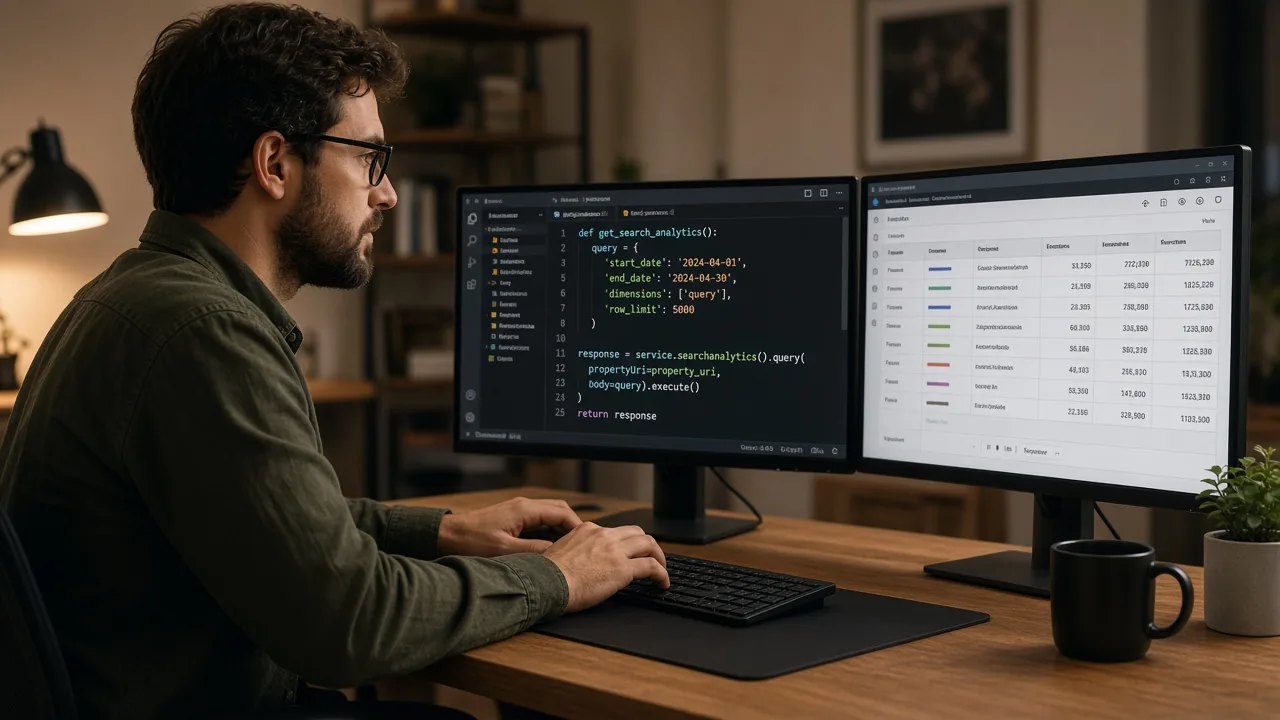
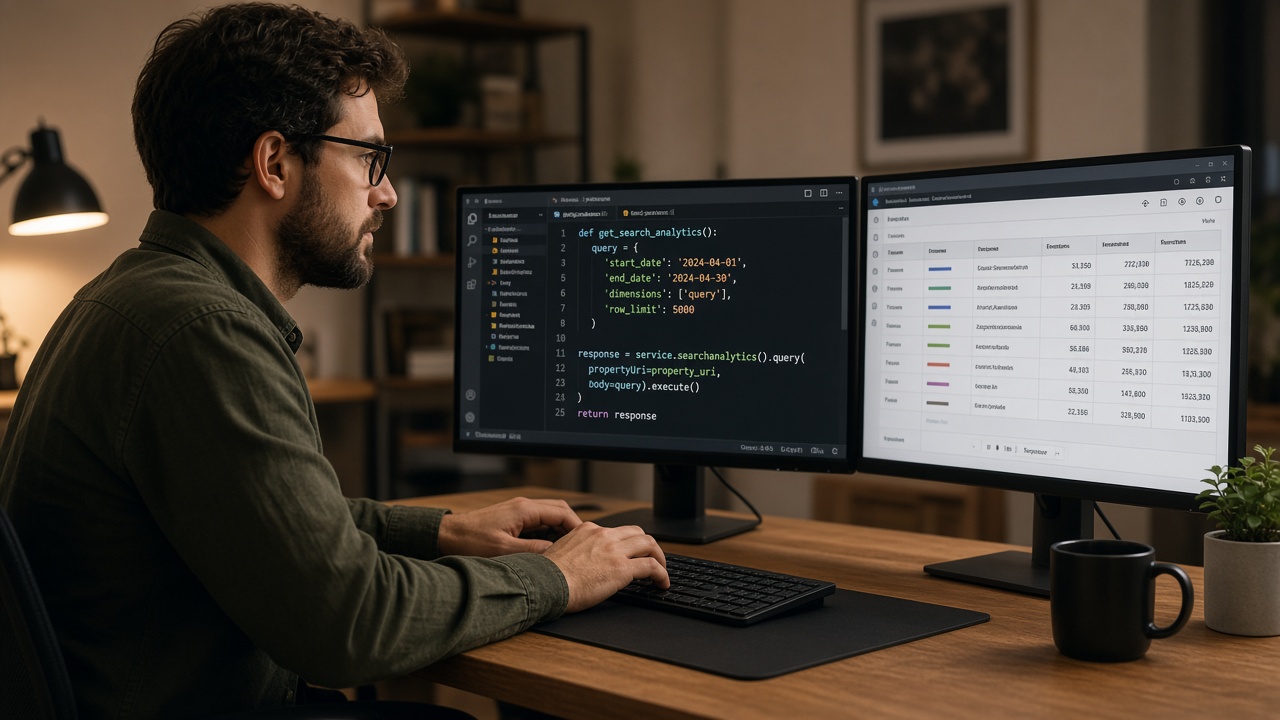
Automate GSC API with Antigravity means a skill file that POSTs searchanalytics.query for a property you already own, then writes the rows into the repo.
TLDR
- The method is
POST https://www.googleapis.com/webmasters/v3/sites/{siteUrl}/searchAnalytics/query(query). startDateandendDateare required, inYYYY-MM-DD, Pacific Time. The API returns top rows, not every row.- Scope is
webmasters.readonlyorwebmasters. A domain property usessc-domain:example.com. - Claude and ChatGPT already have their own GSC recipes. This URL is the Antigravity install.
- First-party GSC (24 Aug–21 Sep 2026): this URL had 14 impressions before the article existed. The hub at /antigravity is the page that already earns clicks.
Contents
- What the call returns
- Property URL and date range
- Where the skill file sits
- Recipes that stay on other URLs
- FAQ
- Related reading
- Sources
What the call returns
Google groups rows by the dimensions you send. Each row has clicks, impressions, CTR, and average position. Default sort is clicks descending, unless you group by date, which sorts oldest first (query method).
Useful dimensions for this catalog:
| Dimension | Use |
|---|---|
query |
Which searches showed the property |
page |
Which URL received the impression |
date |
Daily series; empty days are omitted |
device |
DESKTOP, MOBILE, TABLET |
rowLimit is 1–25,000. The default is 1,000. dataState final is the default. all includes fresher, incomplete days.
The parent catalog is the Antigravity hub.
Property URL and date range
siteUrl must match the Search Console property. A URL-prefix property looks like https://seoskillsai.com/. A domain property looks like sc-domain:seoskillsai.com. Encode the slash form when it sits in the path.
Do not ask the model to invent a property it cannot access. The token stays in the environment, not in the skill markdown.
Where the skill file sits
 AI Edited

Antigravity loads skills from a SKILL.md folder. Install the pack, then run the GSC module against one property:
npx @seoskillsai/cli add antigravity --all
npx @seoskillsai/cli run seo-google --agent antigravity --target "https://example.com"
The skill should save the JSON next to the article you are editing. Chat text is not a Search Console export.
Recipes that stay on other URLs
| Client | URL |
|---|---|
| ChatGPT Actions | /chatgpt/seo-google |
| Claude MCP | /claude/seo-google |
| Method hub | /antigravity |
Same Google method. Different client. Do not copy those H1s onto this page. The skills directory lists the module for every agent.
FAQ
Which HTTP method pulls Search Analytics?
POST searchanalytics.query on the webmasters v3 site resource. GET is not the documented method.
What date format does the body use?
YYYY-MM-DD in Pacific Time. Both start and end dates are required and are included in the range.
Does the API return every query?
No. Google says the API returns top rows within Search Console limits, not a guaranteed full extract. Page with startRow up to rowLimit 25,000.
Is this the same page as the Claude or ChatGPT GSC guides?
No. Those URLs already own their own queries. This page is the Antigravity skill.
Where do clicks on the Antigravity brand query belong?
On the hub /antigravity. This URL is the API how-to.
Related reading
Sources
Google Antigravity Configuration Blueprint (.agent/skills/seo-skills/SKILL.md)
Paste this configuration block directly into your .agent/skills/seo-skills/SKILL.md:
{
  "google": {
    "autoIndex": true,
    "monitorStrikingDistance": true
  }
}What the Antigravity IDE Google Search Console & Indexing API Automation Analyzes
Automated diagnostic data points evaluated during every execution run.
| Diagnostic Category | Specific Data Points Checked | Algorithmic Impact |
|---|---|---|
| Live GSC Indexation Status | Coverage report parsing, crawl anomaly alerts, excluded URLs | Detects and resolves indexation blockers within 24 hours |
| Search Console Query Analytics | Impressions, clicks, CTR, position volatility mining | Identifies underperforming striking-distance keywords (pos 8–20) |
| Automated URL Submission | Google Indexing API & Bing Submission API batch pings | Accelerates new page discovery and indexing by 90% |
| Sitemap Feed Synchronization | Instant sitemap pinging upon new article publishing | Ensures immediate Googlebot discovery of fresh content |
How to Execute Google Search Console & Indexing API Automation in Google Antigravity
Imperative configuration instructions with ready-to-run commands.
Step 1: Connect Search Console Credentials
Authenticate with GSC service account credentials.
seoskillsai google auth --credentials ./gsc-key.jsonStep 2: Pull Striking-Distance Keywords
Query performance data to find high-impression, low-CTR terms.
seoskillsai google query --site "https://example.com" --filter "striking-distance"Step 3: Ping Google Indexing API
Submit updated URLs directly to Google for instant re-crawling.
seoskillsai google index --urls "./dist/sitemap.xml"Deploy This Skill on Other AI Coding Agents
Symmetric Twin Topics: Identical SEO capability configured for other agentic runtimes.